
Top Form Builders with Built-In Calculations for Lead Generation in 2026
Lead-gen forms work best when they don’t just collect data, but also use it: calculate a quote, score a lead, estimate savings, total an order, or route the submission based on a computed value. In 2026, you don’t need custom code for that-several form builders now support calculations (natively or through variables/scoring) and make it easy to connect results to CRMs and automations.
Below are five practical options-ranked for small businesses that care about conversion rate, speed to launch, and “calculator-like” experiences.
Comparison table
Tool | Best for | Calculations approach | Lead-gen sweet spot | Starting price* |
uCalc | Quote-style forms + calculator-first lead capture | Calculator/formulas-first builder | Service quotes, pricing estimators, qualification | From $7.20/mo |
Jotform | All-purpose forms with strong widgets | Calculation widget + logic | High-volume lead capture + workflows | Bronze from $34/mo (annual) |
Tally | Fast, modern forms with calculations on free plan | Calculated fields + conditional logic | Lightweight lead funnels, scoring, dynamic pricing | Pro $29/mo (free plan available) |
Typeform | Conversational forms + scoring for qualification | Price/score via variables & scoring | Higher-completion lead forms, interactive screening | Basic $25/mo |
Cognito Forms | More advanced “spreadsheet-like” form logic | Calculation fields + functions | Complex intake, order forms, internal workflows | Pro $19/mo |
*Prices shown are “starting from” and can change by billing cycle and region.

1) uCalc – best for calculator-first lead generation (quotes, pricing, qualification)
If your “form” is really a quote calculator (service pricing, project estimation, configuration, ROI/savings), uCalc is built for that first. It’s positioned as a builder for calculators and forms, and the whole workflow is centered around formulas and results-then capturing the lead right at the moment of intent.
Why it’s strong for lead gen:
- Calculator-first UX: users get an immediate number/result, which typically increases completion compared to a plain contact form.
- Embedding is straightforward across popular site builders and CMS setups (so you can ship landing pages fast).
- Automation hooks: uCalc connects via Zapier to automate lead handoff (CRM, sheets, notifications, follow-ups).
Pricing note: uCalc’s knowledge base lists Basic from $7.20/month, Standard from $17.60/month, and Pro from $40/month.
When to pick uCalc: you want “uCalc – No-Code Calculator Builder for Websites” style workflows where the calculation is the product-and the form is the conversion mechanism.

2) Jotform – best all-rounder form platform with a dedicated calculation widget
Jotform is the broadest “form ecosystem” in this list: templates, integrations, approvals, PDFs, workflows-plus a large widget library. For calculations specifically, Jotform has a Form Calculation widget designed to “perform calculations” directly in the form experience.
Why it works for lead gen:
- You can build traditional lead forms (multi-step, conditional sections, file uploads) and still add a pricing total or score.
- It’s a solid fit when the “calculator” is a supporting detail inside a bigger workflow (e.g., request intake → computed budget range → route to the right sales rep).
Pricing note: Jotform offers a free tier, and the pricing page/search snippet lists Bronze from $34/month (billed annually), with higher tiers scaling up.
When to pick Jotform: you want one platform for many form types, and calculations are a feature-not the entire product.
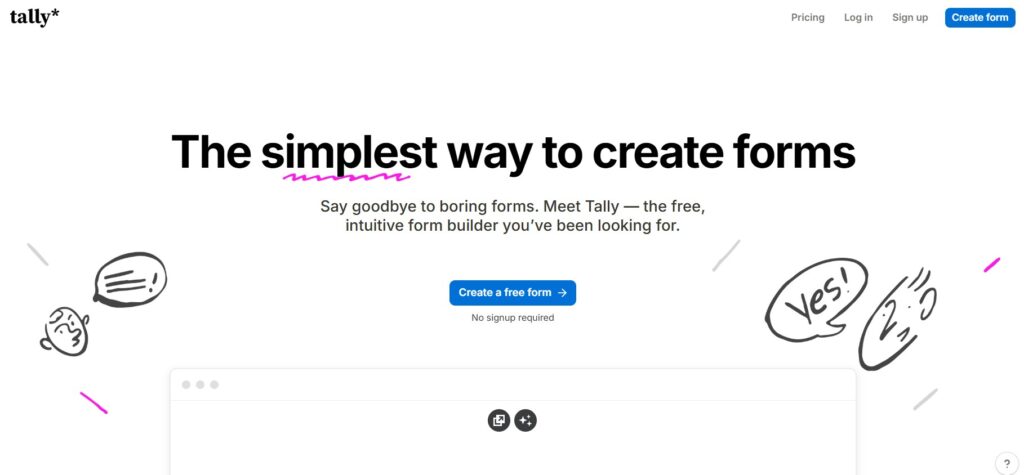
3) Tally – best “quick build” option with calculated fields (and a generous free plan)
Tally has become popular because it keeps the building experience simple, while still offering conditional logic & calculations even on the free plan (within fair-use guidelines). Their help docs show how to use Calculated Fields to score quizzes, set dynamic prices, or assign lead values, using conditional logic and math operations.
Why it’s good for lead gen:
- You can spin up a lead funnel fast and still do practical math (totals, scores, value tags).
- Great for founders or small teams who need speed and don’t want enterprise complexity.
Pricing note: Tally Pro is listed at $29/month (or $290/year).
When to pick Tally: you want a modern form builder with calculations without fighting paywalls or heavy configuration.

4) Typeform – best for conversational lead qualification with scoring + calculations
Typeform remains a go-to when you care about completion rate and brand feel. For calculations, Typeform supports price/score calculations using scoring/variables-useful for lead qualification (“hot/warm/cold”), product matching, or simple totals. They also document how to add a price/score calculation (commonly tied to payments or scoring flows).
Why it’s strong for lead gen:
- The experience feels like a guided conversation, which can lift conversions on mobile.
- Scoring is excellent for routing leads or personalizing the ending based on a computed outcome.
Pricing note: Typeform’s own comparison content lists Basic at $25/month.
When to pick Typeform: your lead form is more about qualification and UX than about building a full pricing calculator.
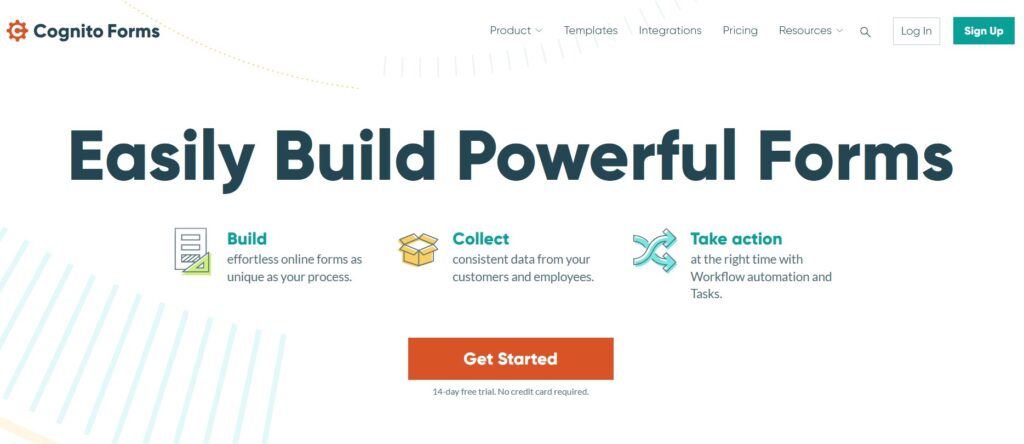
5) Cognito Forms – best for advanced, “spreadsheet-like” calculations and structured workflows
Cognito is a great middle ground between “marketing forms” and “internal ops forms.” It supports calculations that compute values, set defaults, control visibility, and validate logic-closer to how you’d think in a spreadsheet or rules engine.
Why it fits lead gen:
- Excellent when your lead form doubles as a structured intake (projects, applications, service requests) that needs robust rules.
- Pricing is transparent and scales by usage/users.
Pricing note: Cognito’s pricing page lists Pro at $19/mo, Team at $39/mo, and Enterprise at $129/mo.
When to pick Cognito Forms: you want stronger calculation logic and workflow structure than most marketing-first form builders.
Bottom Line
If you want the most calculator-first approach for quotes and lead capture, go with uCalc. If you need a full form and workflow suite where calculations are handled through a dedicated widget, Jotform is the better fit. If your priority is speed – getting a lead-gen form live fast with surprisingly capable calculated fields even on a free plan – choose Tally. If you care most about a conversational experience for lead qualification with scoring, Typeform is the strongest option. And if you need more advanced, structured calculation logic that feels closer to a rules-based system, Cognito Forms is the right pick.